
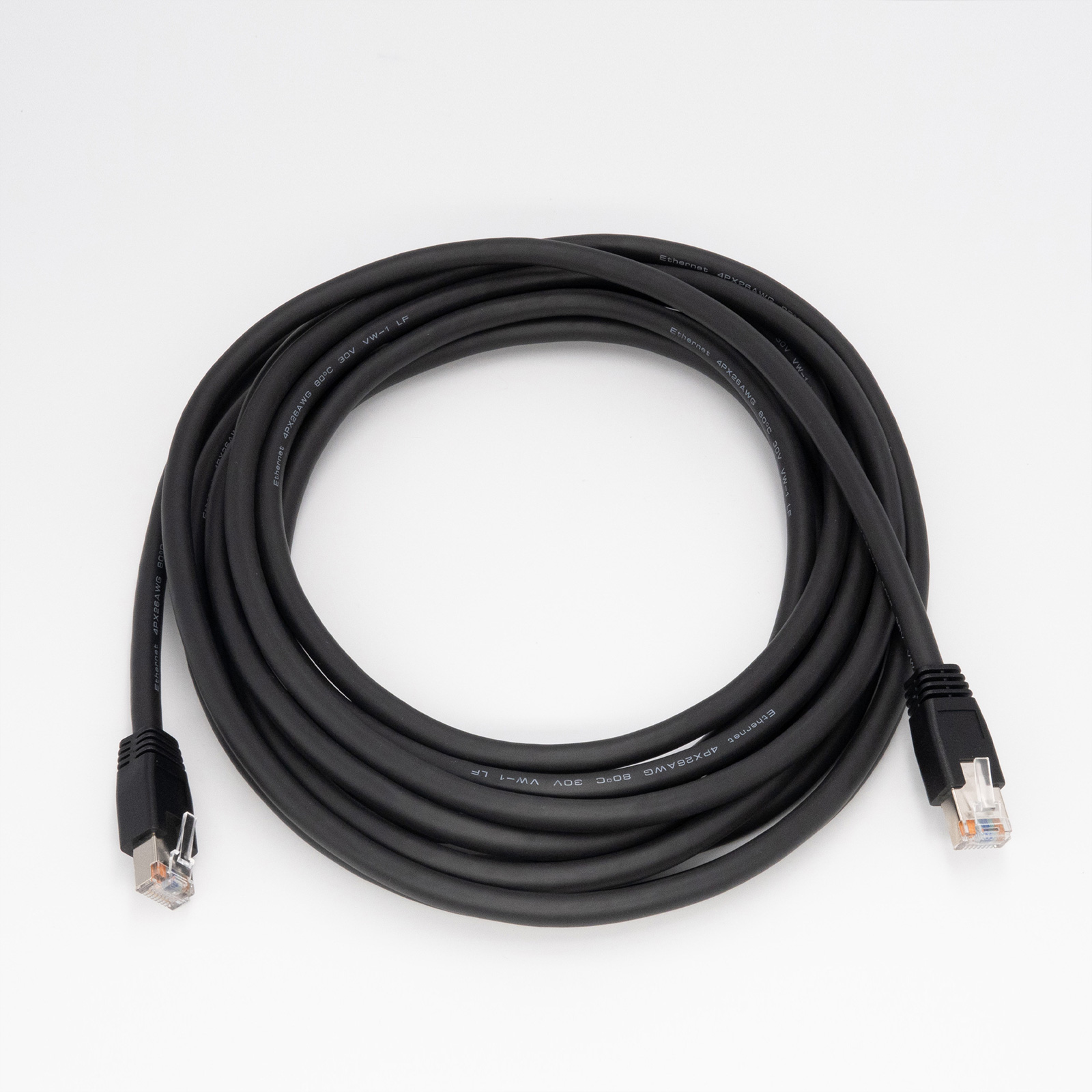


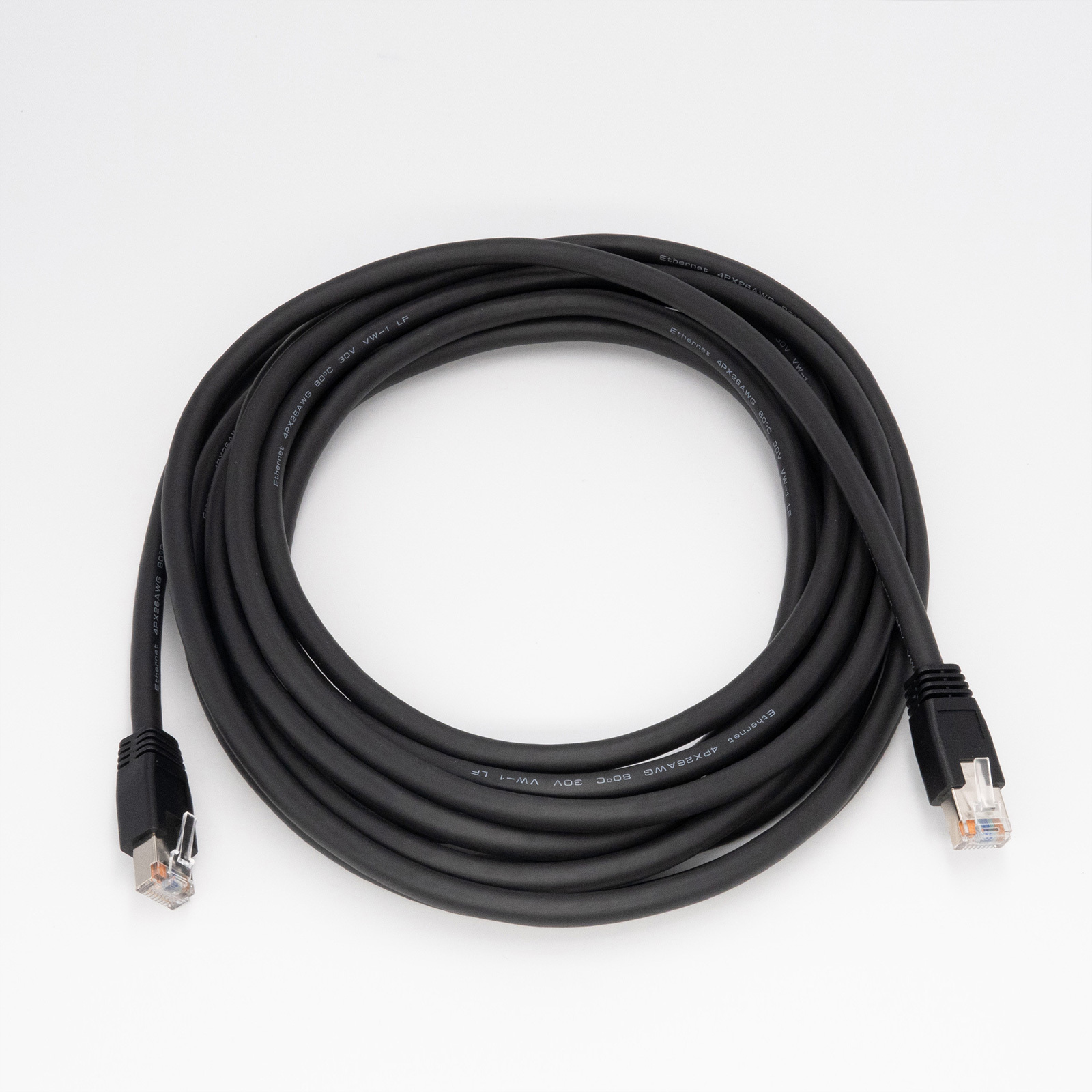


High Flex
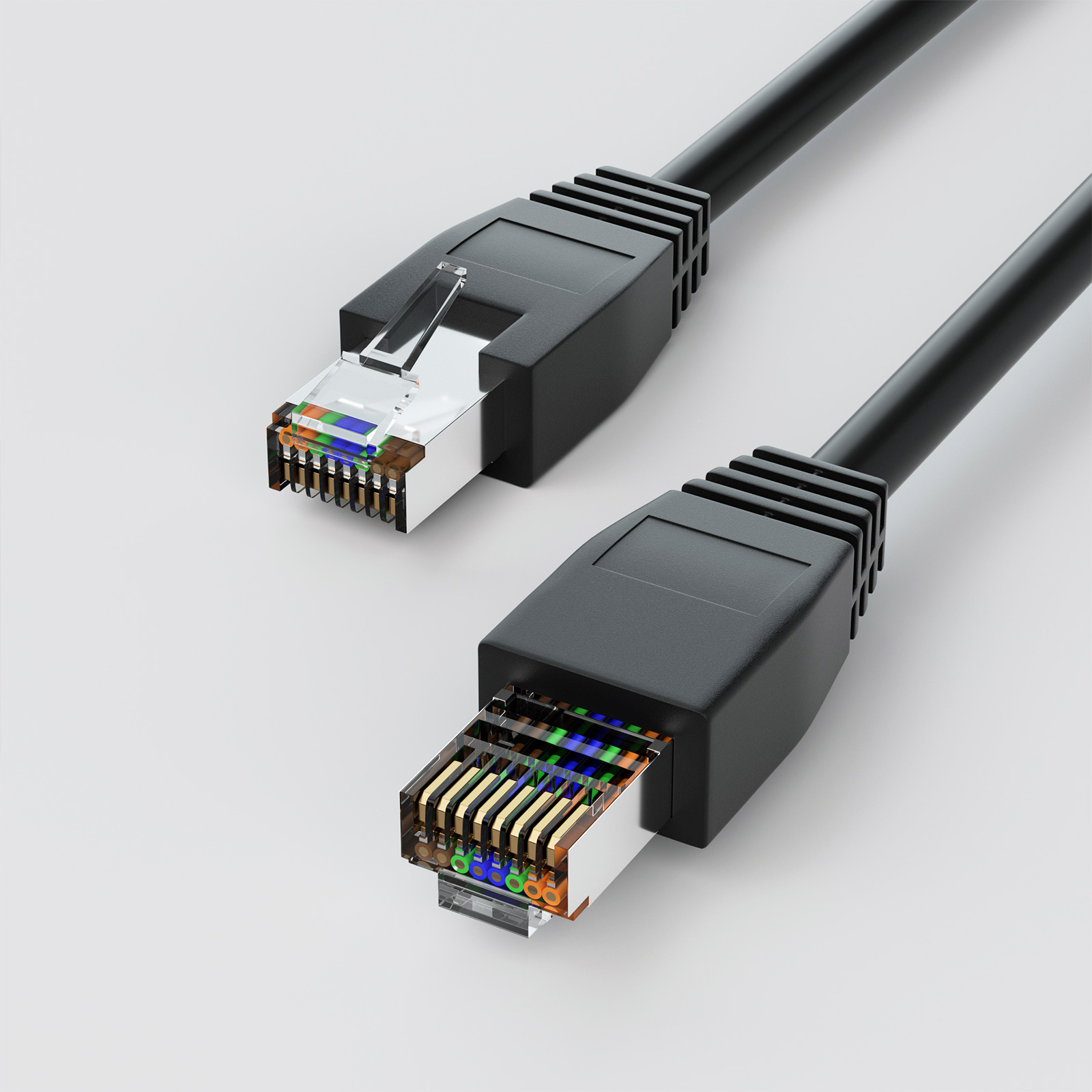
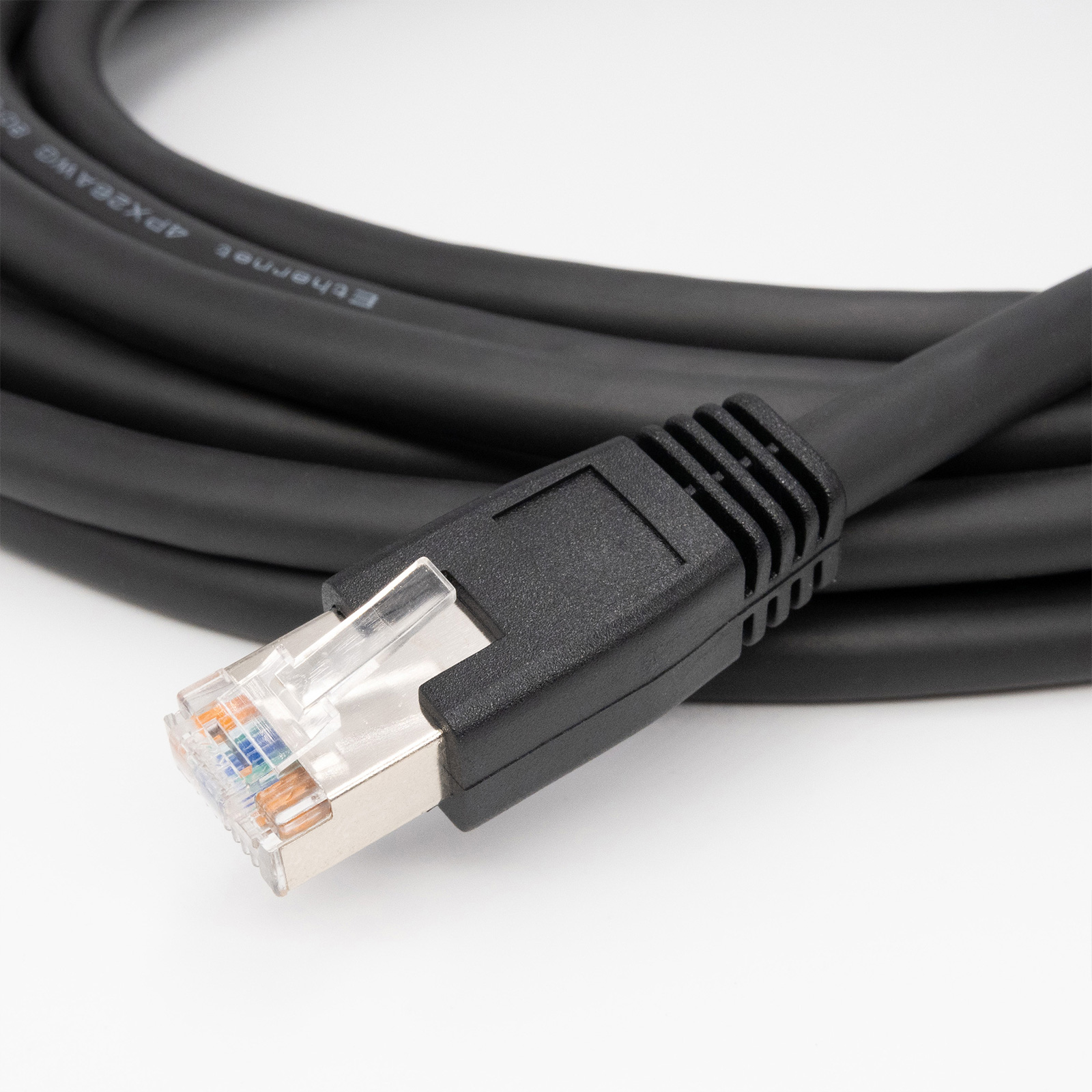
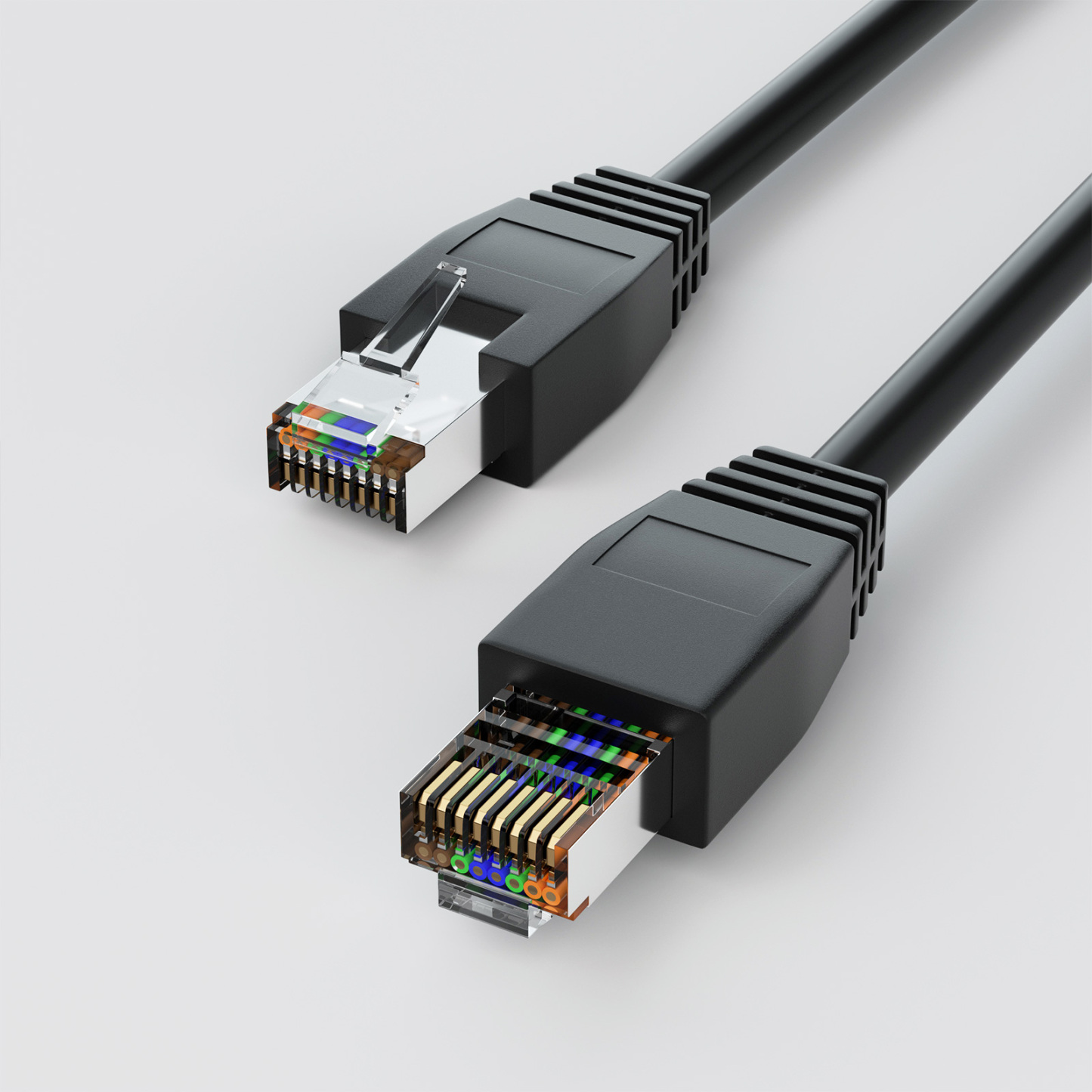
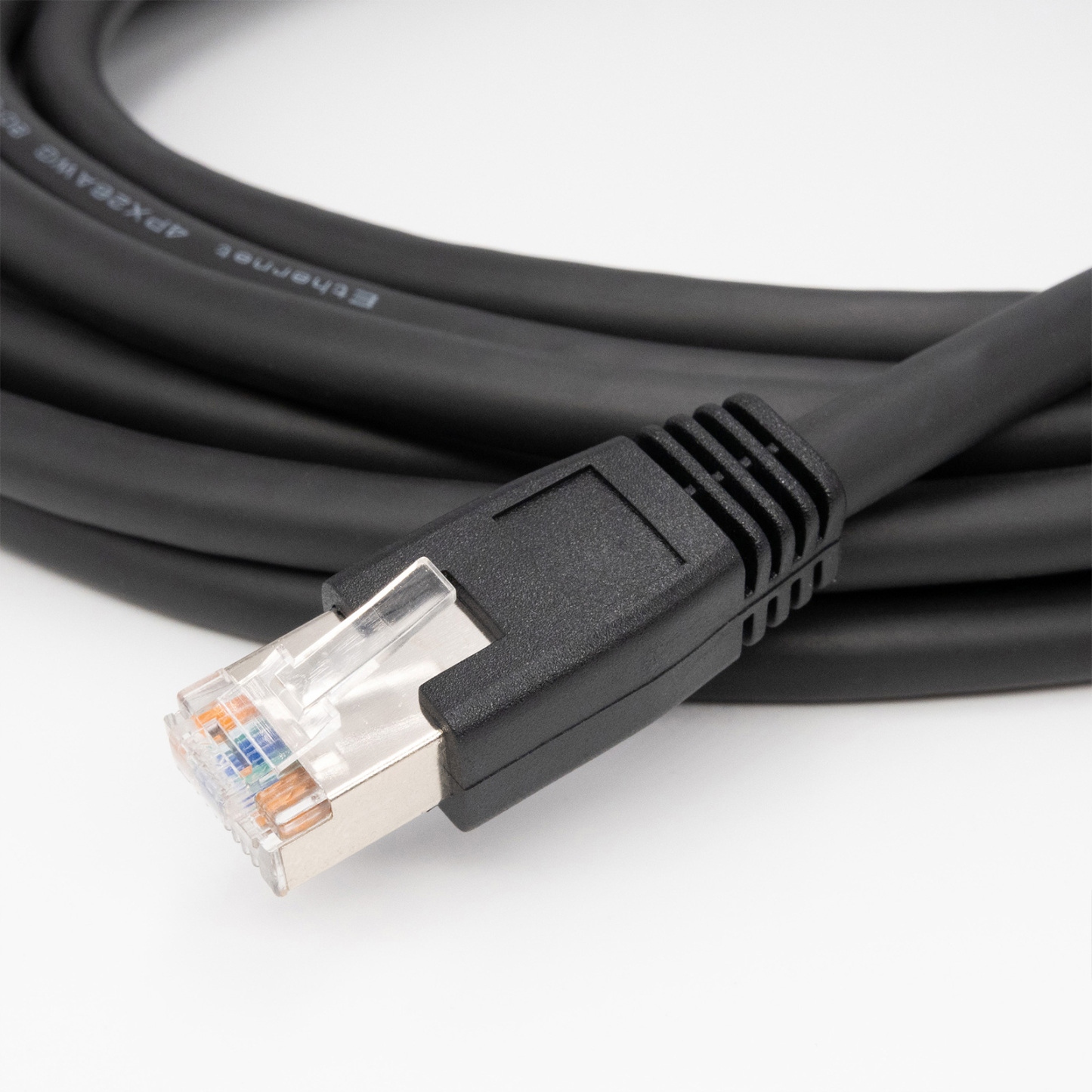
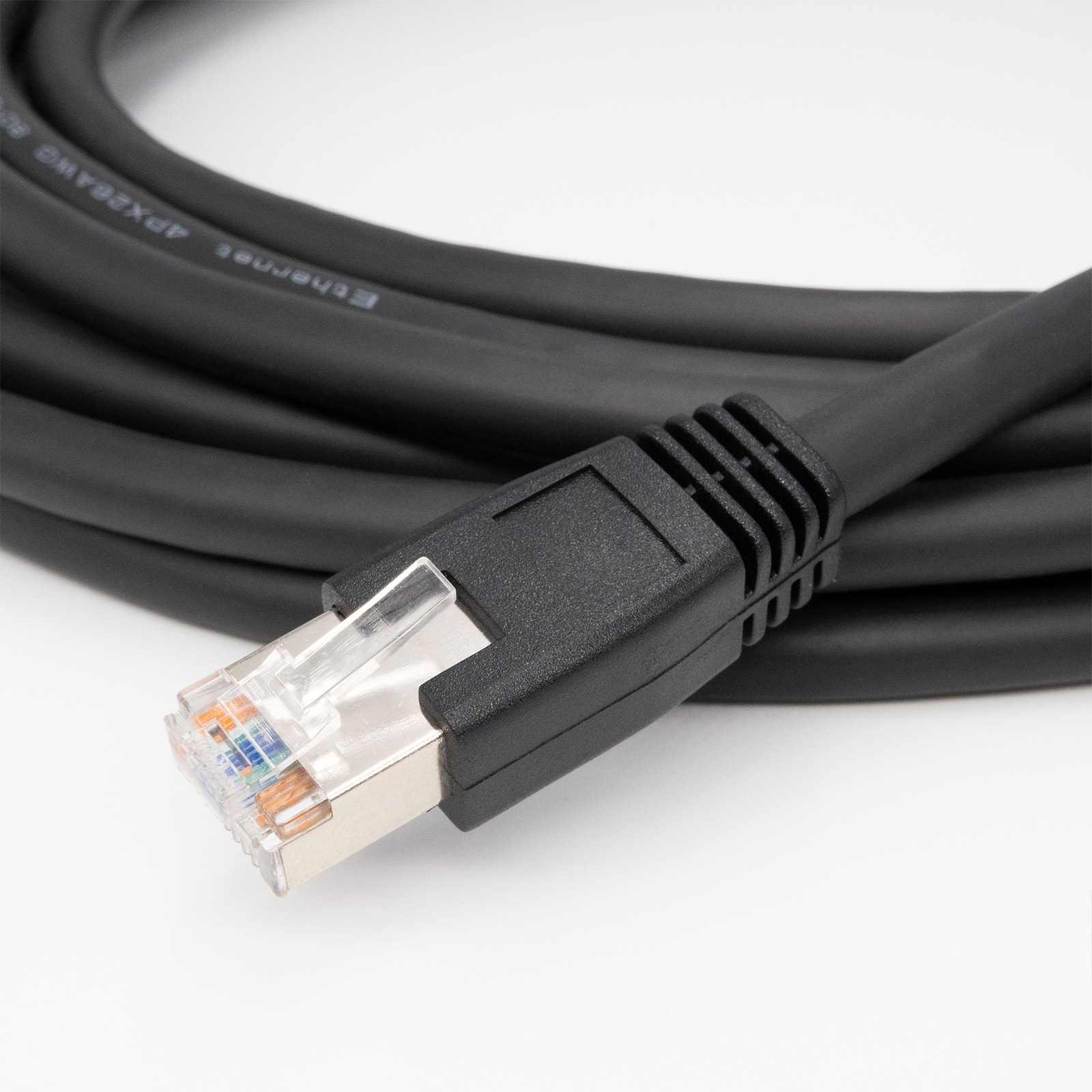
RJ45 Straight
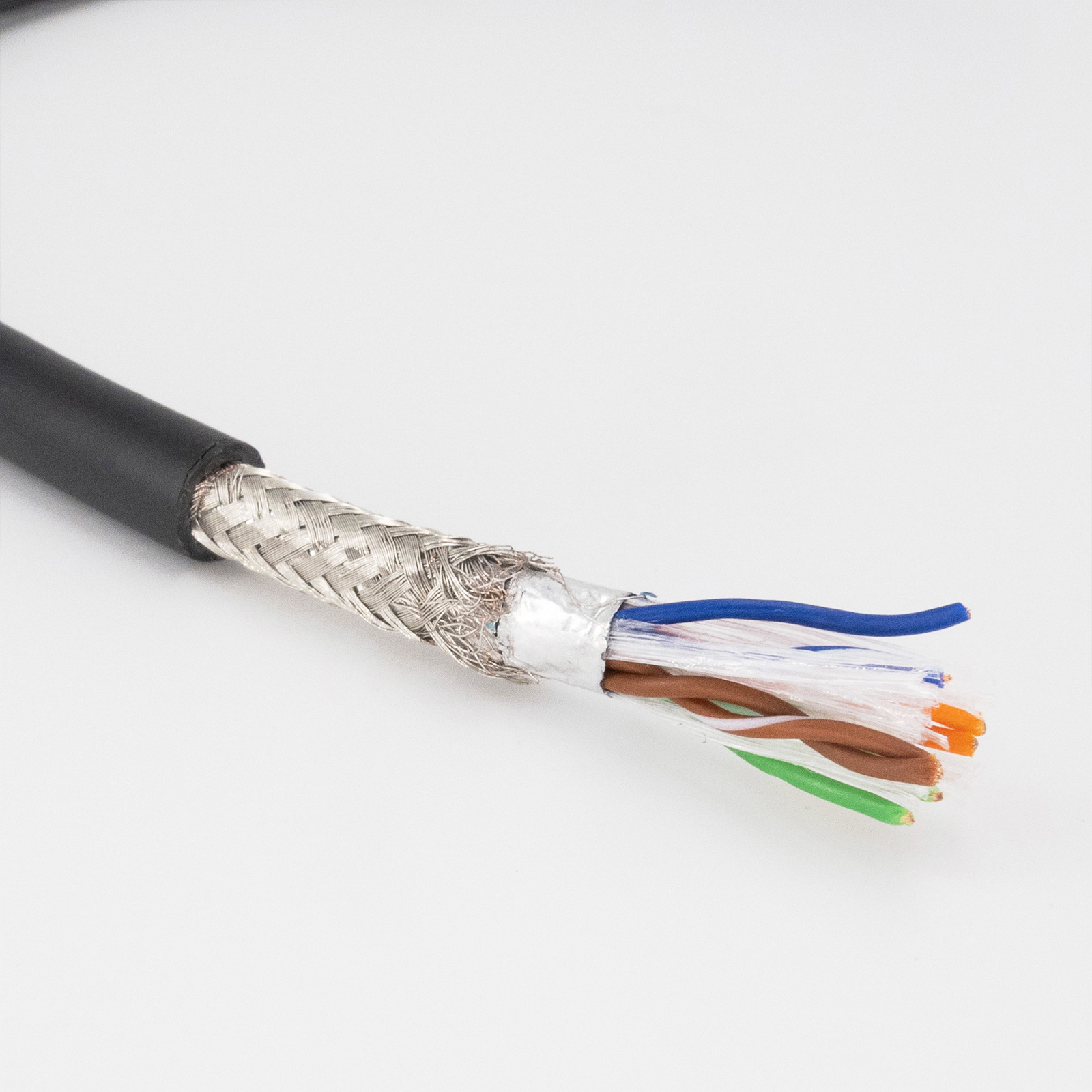
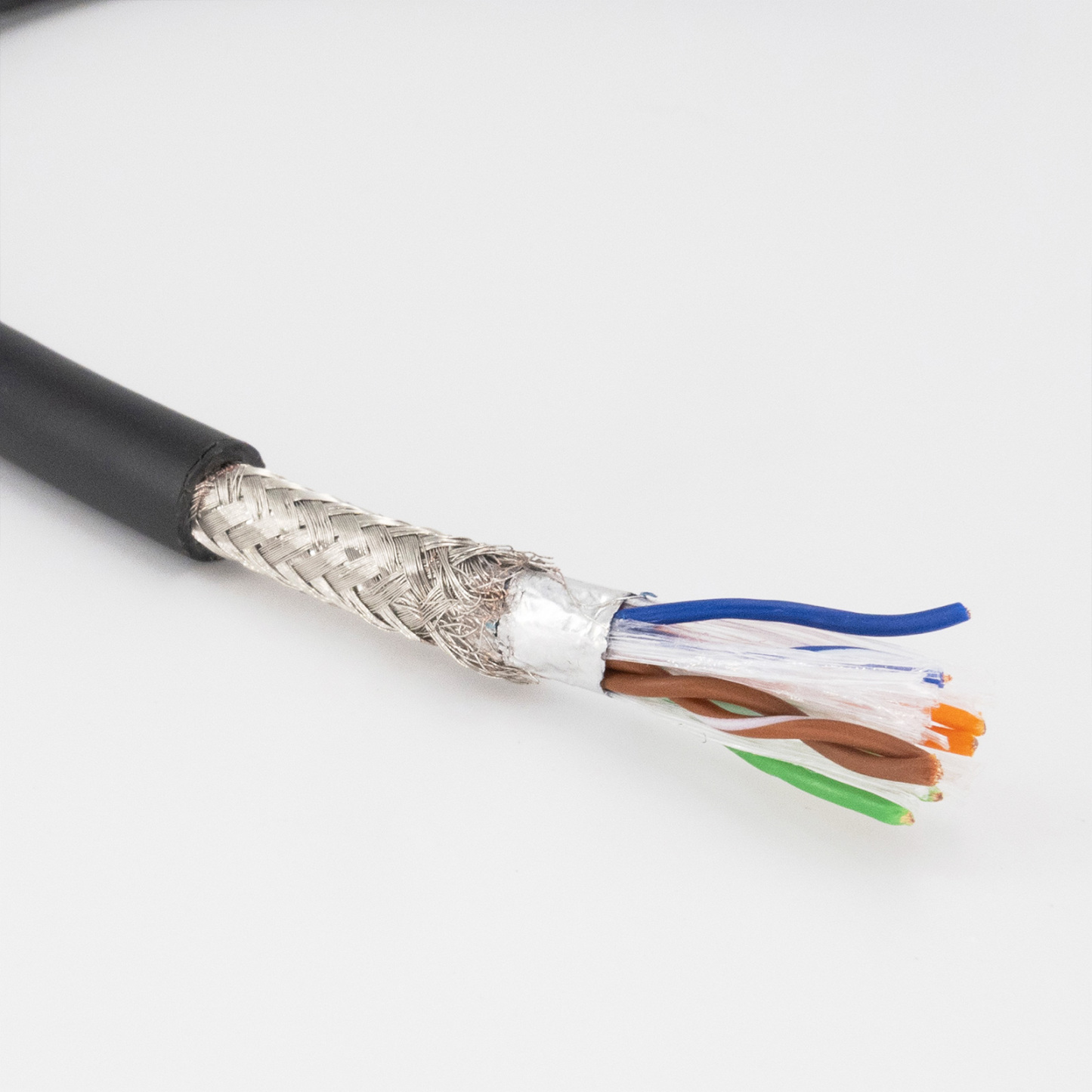
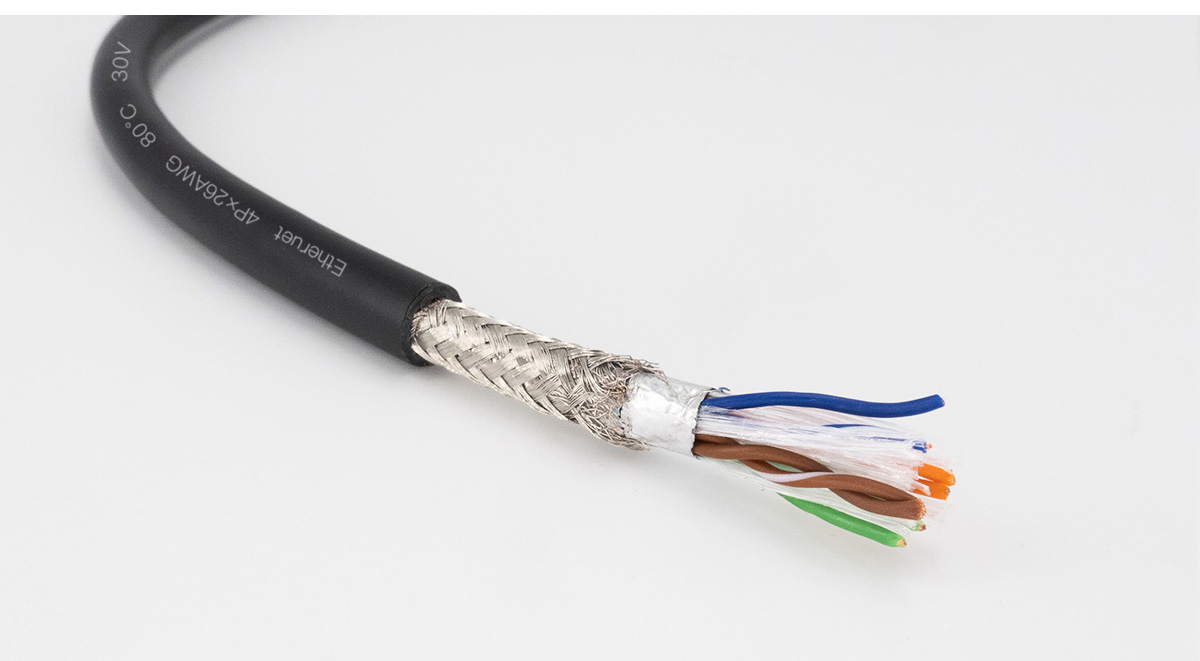
Double shielded braid
GigE Cable Application
GigE Cable can be used in demanding applications.
They are ensure network throughput in harsh industrial environments.
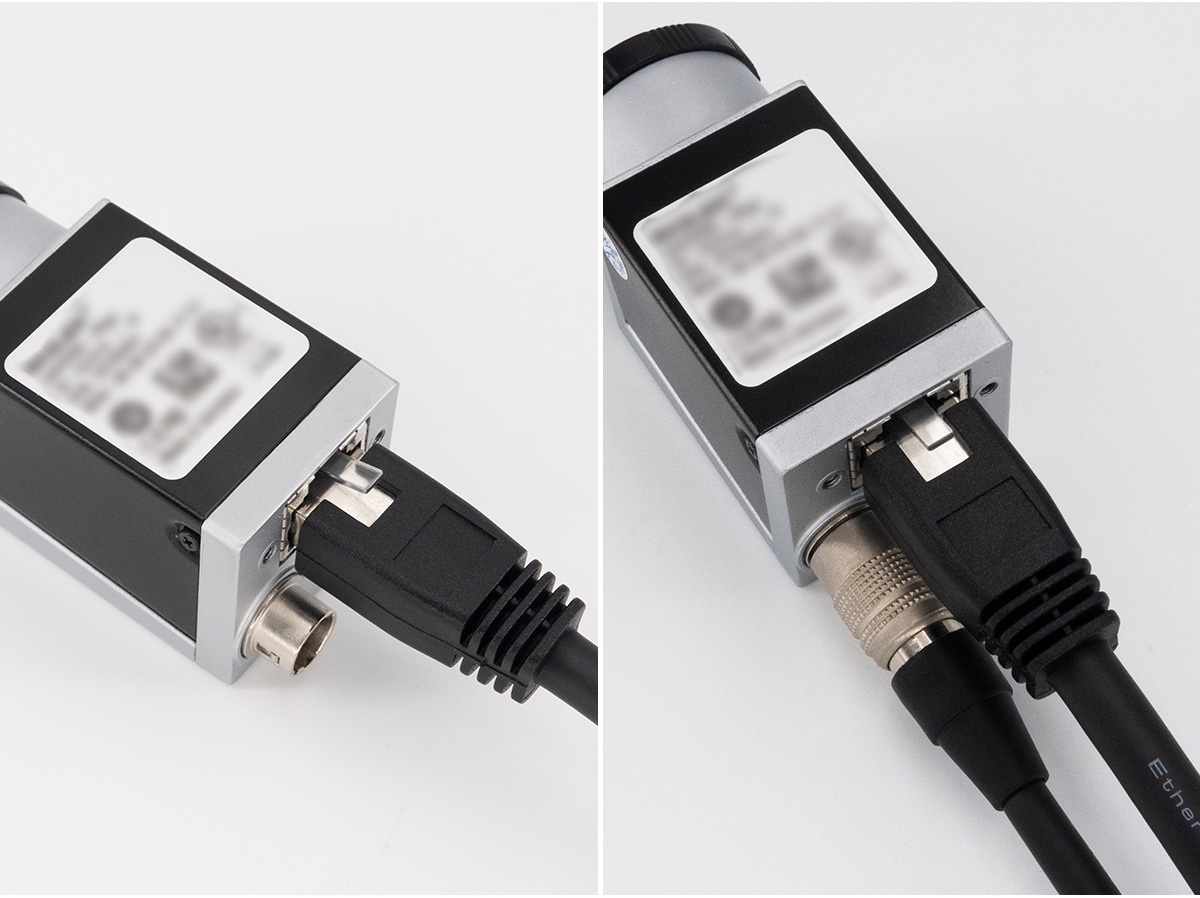
• This twisted Gige Ethernet is used for data transmission and comes outfitted with two RJ45 plugs, one with horizontal screw.
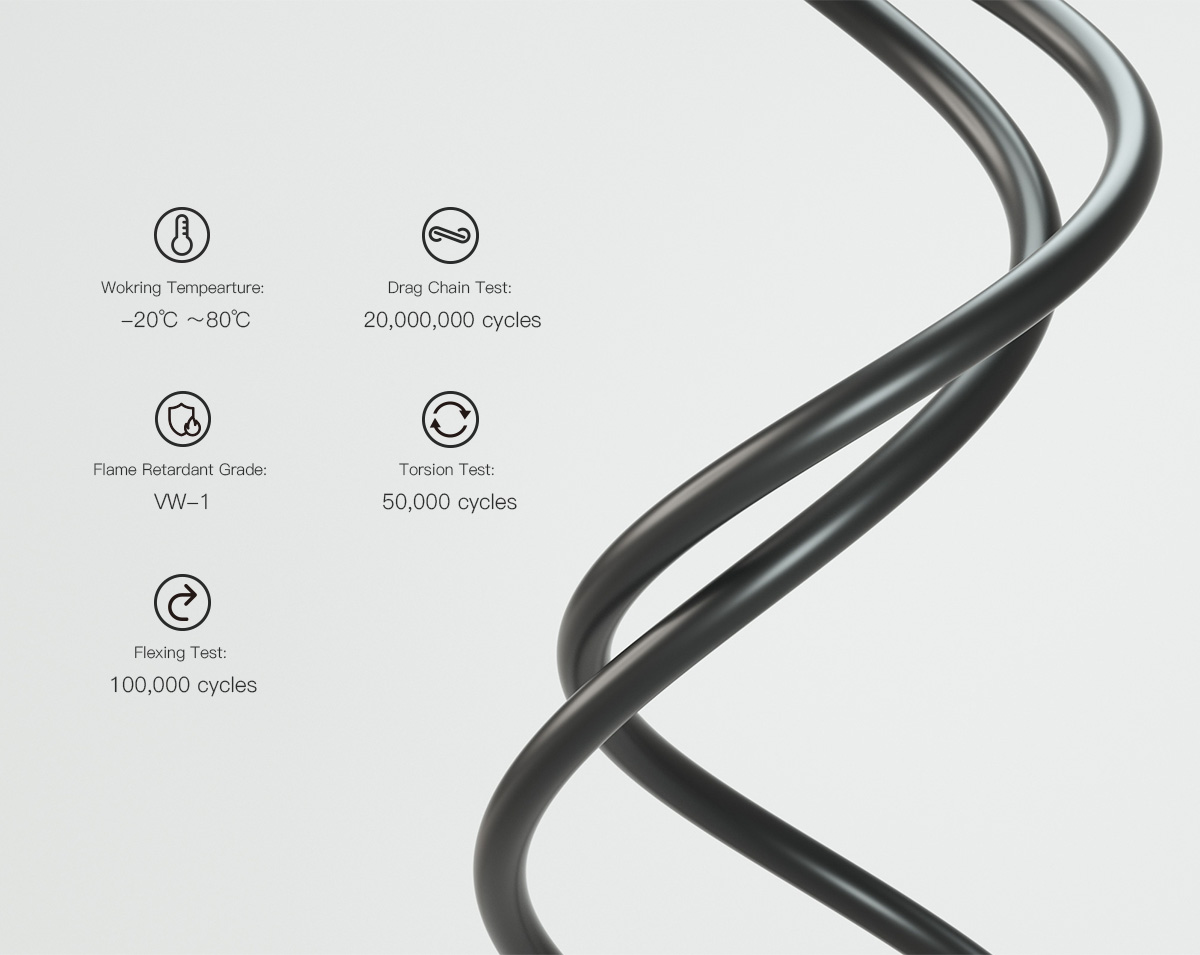
• Features: abrasion-resistant, flame-resistant, torsion- resistant, heat-resistant.
• High flexible, drag chain test 20KK cycles.
• 99% shielded, reliable signal transmission, 360 degree omni-directional Shielding in EMI Environment.
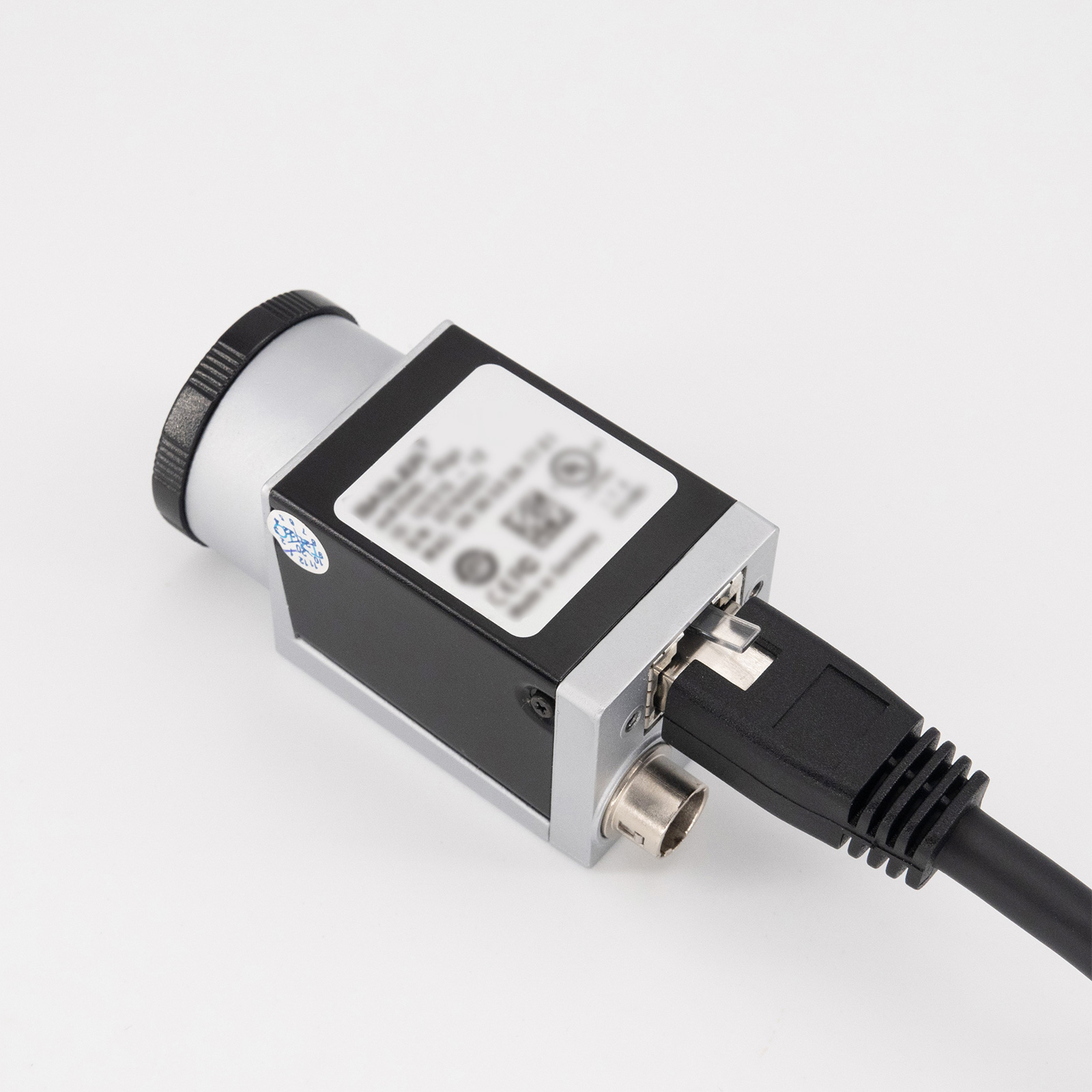
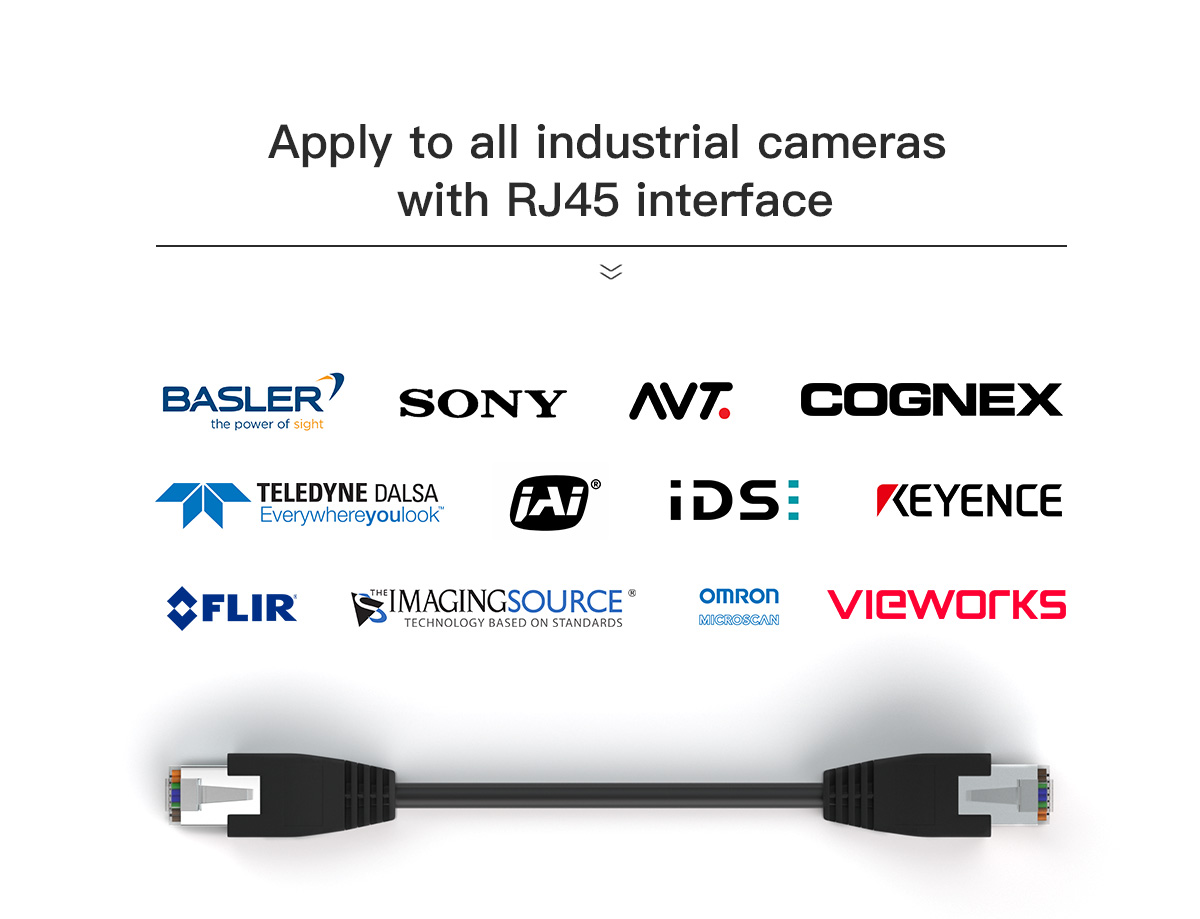
• For industrial machinery, Basler Sony Cognex CCD cameras, Matrix Vision Camera, Triton camera models, Networks, Ethernet, Power.
Application: Industrial Machine / EtherCAT and EtherNet/IP / Factory Automation
Delivery Time: 4-10 working days
Payment Terms: online or T/T
GigE Cable Specification
| Gige Vision Specification |
 |
| Bill Of Materials | Wiring Diagram | |||
| Item | Description | QTY | Specification | 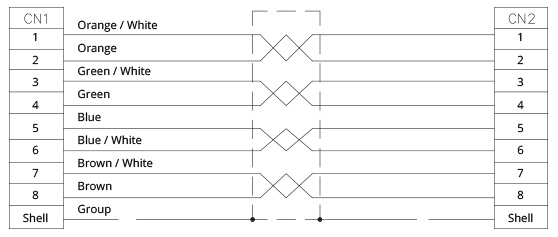 |
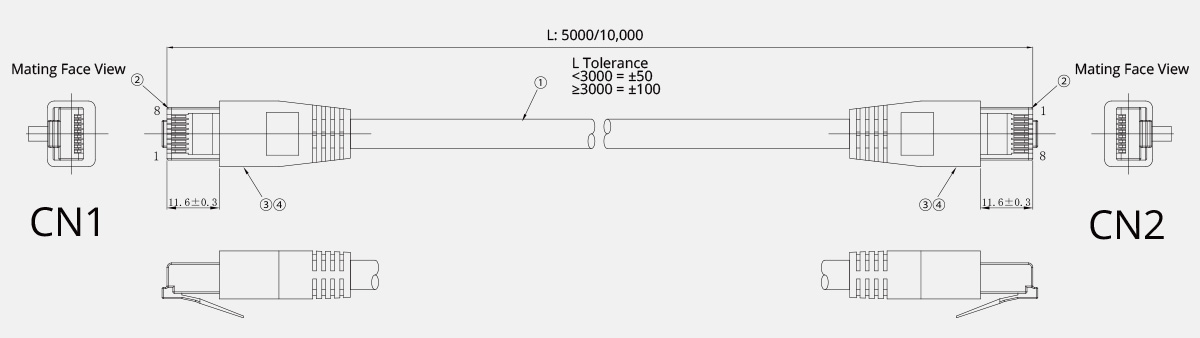
| ① | Wire | 1 | GIGE CABLE CAT5E BLACK LF 4PX26AWG | |
| ② | RJ45 Connector | 2 | 8P8C | |
| ③ | Screw Rod | 2 | M2.0*0.4 4.75 | |
| ④ | Inner Mold | 1 | PE(J5019) | |
| ⑤ | Outer Mold | 1 | DWHC-10035(Black) | |
Wiring Diagram & Pinout of GigE Cable
| Drawing of Gige Vision Cable | Pair Twist Insulator Colour | ||
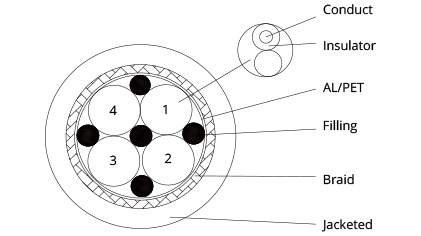 |
Pair Twist | Insulator Colour 1 | Insulator Colour 2 |
|---|---|---|---|
| 1 | Blue | Blue / White | |
| 2 | Orange | Orange / White | |
| 3 | Green | Green / White | |
| 4 | Brown | Brown / White | |
| Blue / White: White line is injected on the blue insulator and occupys 20-25% of the dimension. The same for others. | |||
Cross-Section & Pair Twist Configuration
| Model NO. | OLA-GIGE-1-1-1-XM CABLE | Printing | Ethernet, 4PX26AWG, 80°C, 30V, VW-1, LF | ||
| Style | GIGE Ethernet/T/20276-SB BLACK LF 4PX26AWG | Size | 4PX26AWG | ||
| Approbation of Gige Ethernet | UL20276 AWM 80°C 30V | Flame Retardant Grade | VW-1 | ||
| Gige Conductor |
Size | 26AWG/4P | Shielded |
Al/Pet | 0.05*20mm |
| Cond. Material | Bare Copper BC | Braid | 24/8/0.1TC | ||
| Construction | 30/0.08 BC | Covered | 99% Min | ||
| Diameter | 0.51mm | Jacketed |
Material | PVC | |
| Tolern | ±0.003mm | Avg.Thick. | 0.765mm | ||
| Insulation | Material | HDPE | Min.Thick. | 0.723mm | |
| Avg.Thick. | 0.207mm | Diameter | ø6.5±0.2mm | ||
| Min.Thick. | 0.184mm | Colour | Black (Similar to RAL 9005) | ||
| Diameter | 0.95±0.05mm | Electrical Properties |
Conductor Resistance | ≤124 Ω/km 20°C | |
| Colour | (Bule*Bule/White) | Test Voltage | 500V/1min | ||
| (Orange*Orange/White) | Insulating Resistance | > 10 MΩ/km 20°C | |||
| (Green*Green/White) | Characteristic Impedance | 100±15Ω | |||
| (Brown*Brown/White) | Wokring Tempearture | Fixed Installation | -20°C ~ 80°C | ||
| Pair Twist |
Pair Twist | 1P*26AWG | Moved Installation | -5°C ~ 50°C | |
| Diameter | 1.94mm | Minimal Bending Radius |
Fixed Installation | 5 X Cable-ø | |
| Assembly Standed | 26AWG/4P | Moved Installation | 8.5 X Cable-ø | ||
| Quality Certifications |     |
||||
More details of Gige Vision
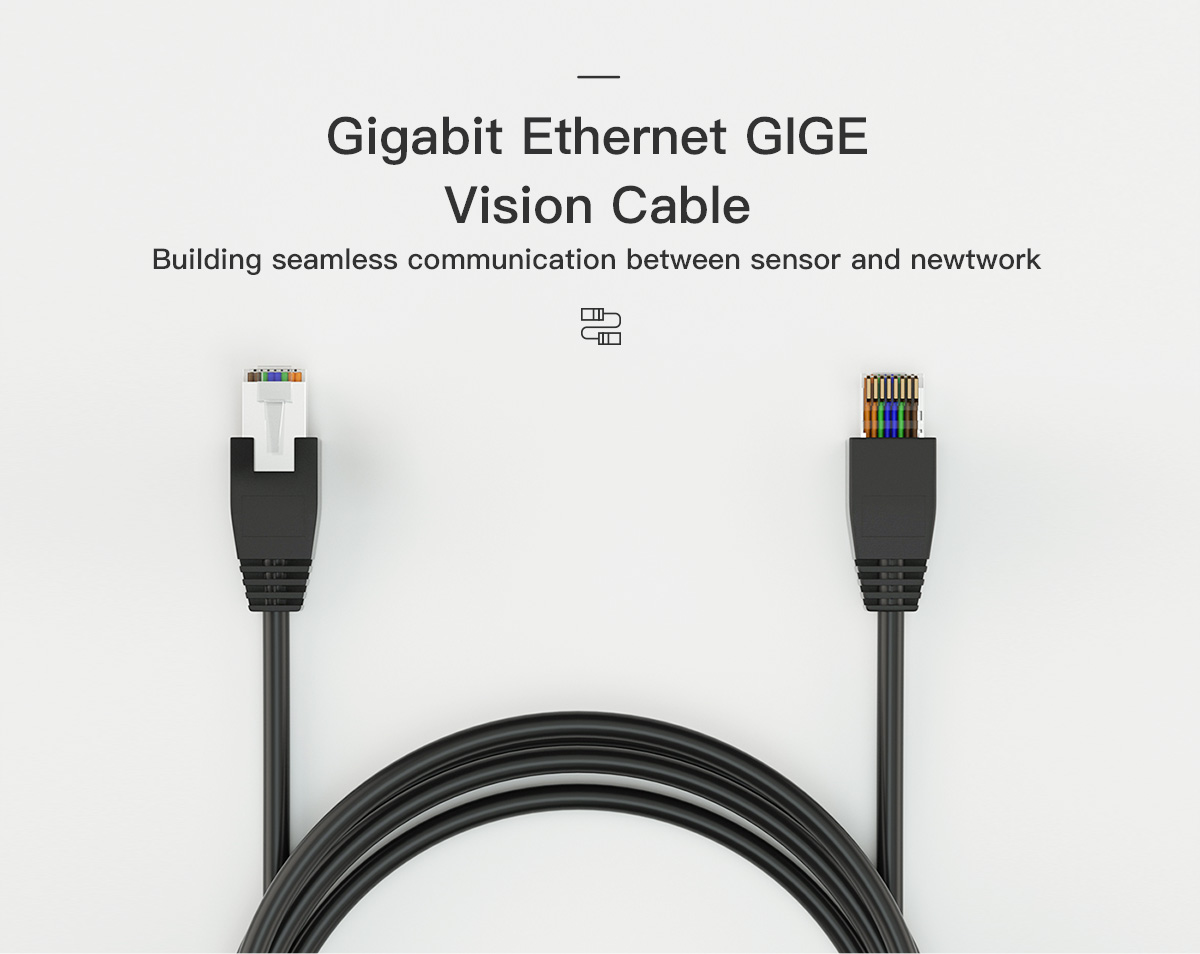
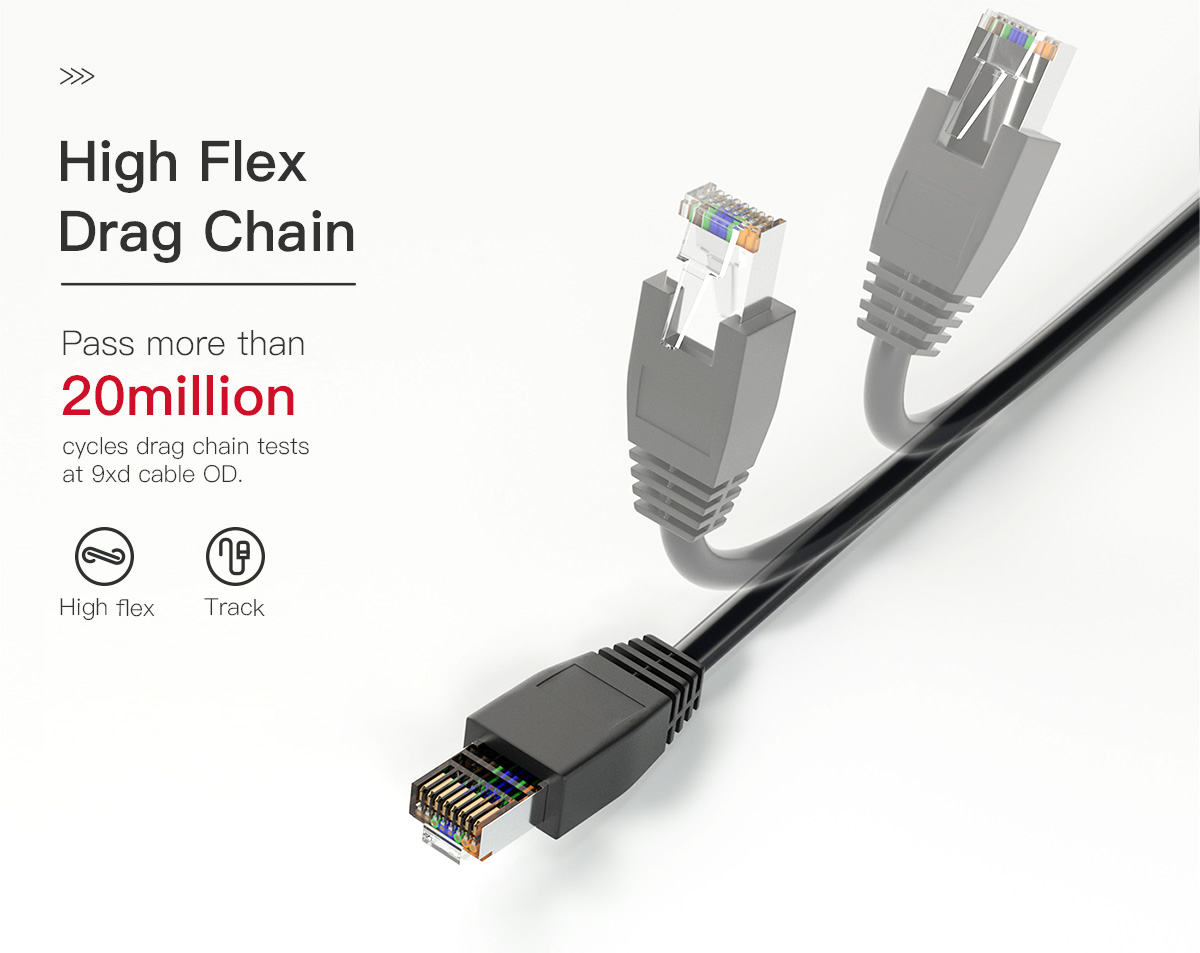
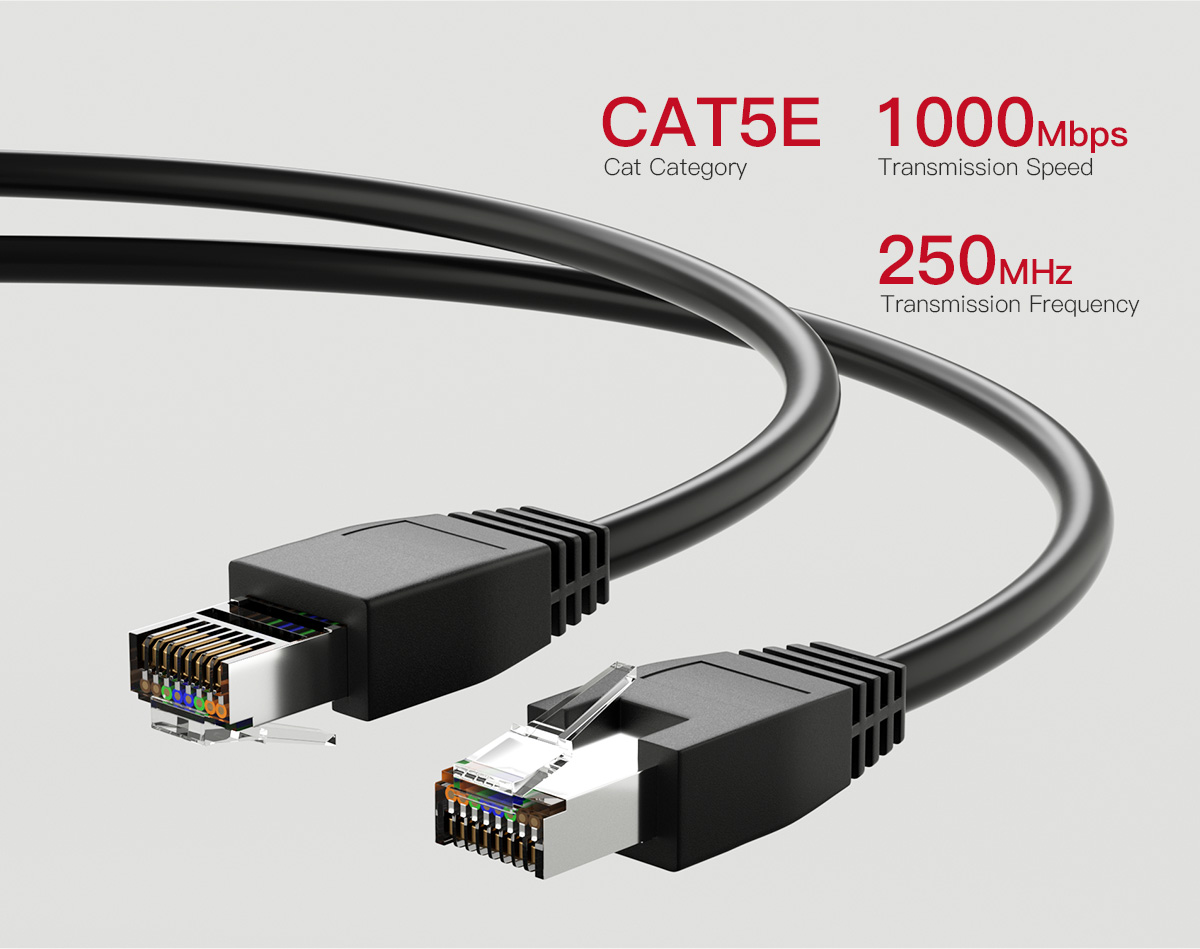
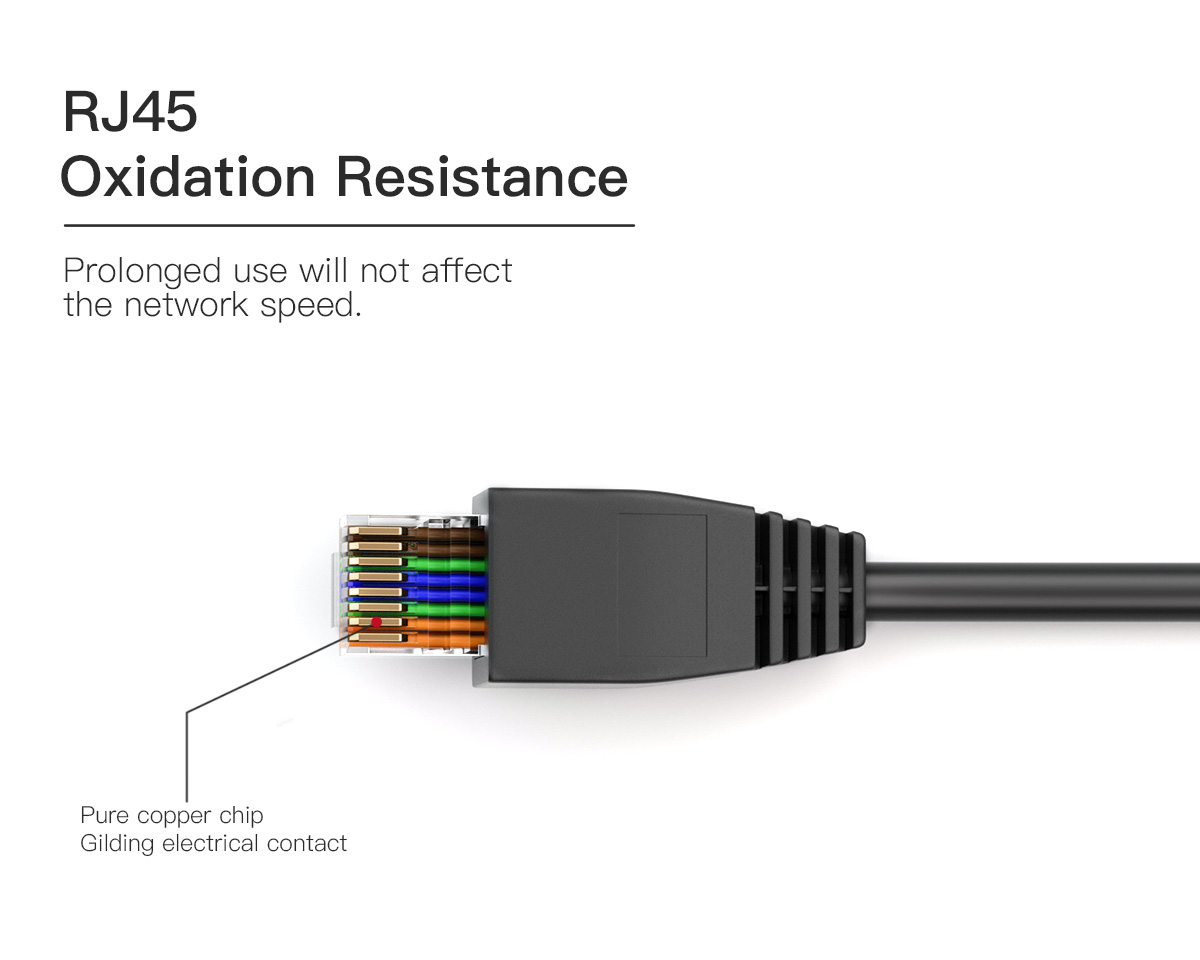
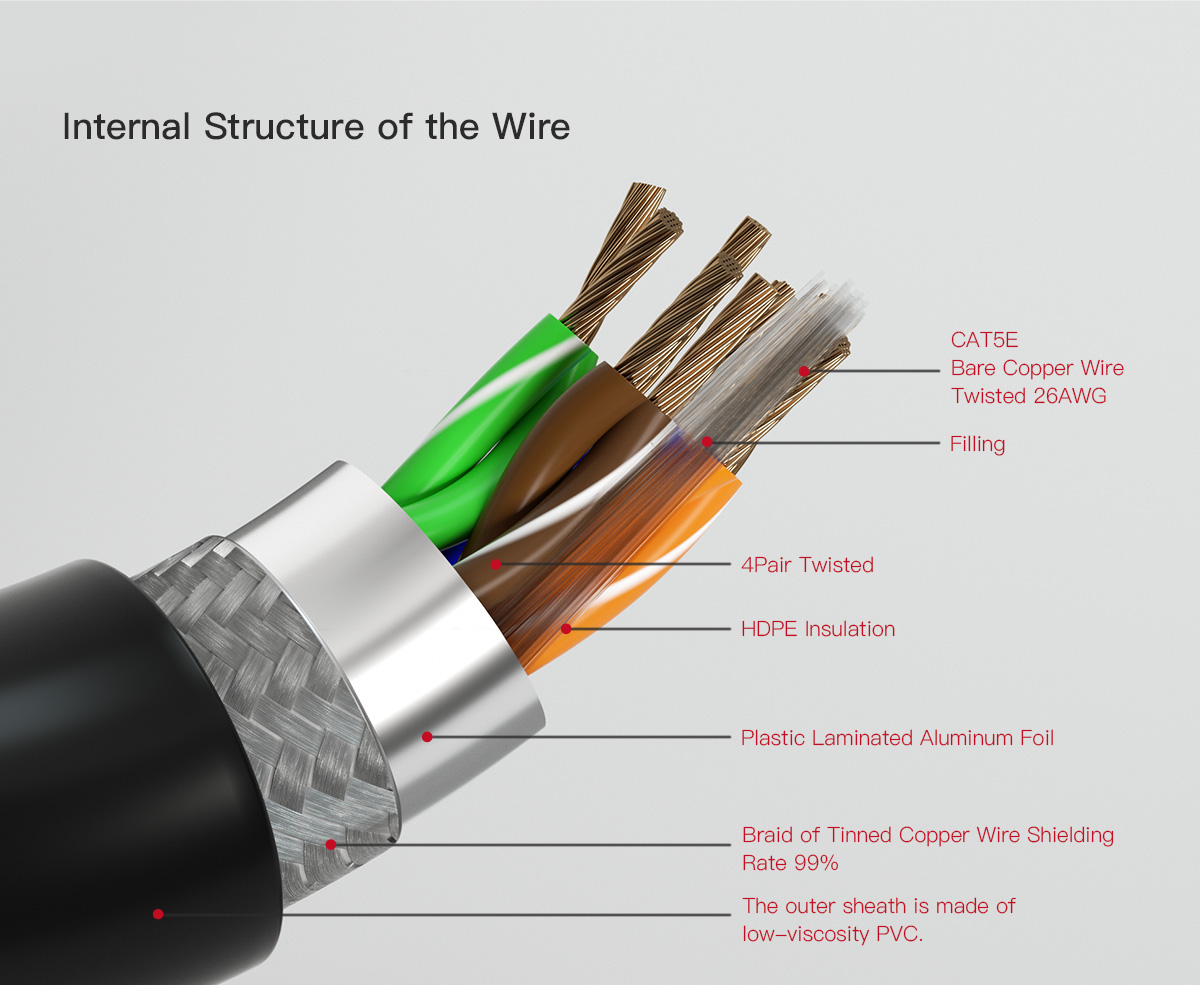
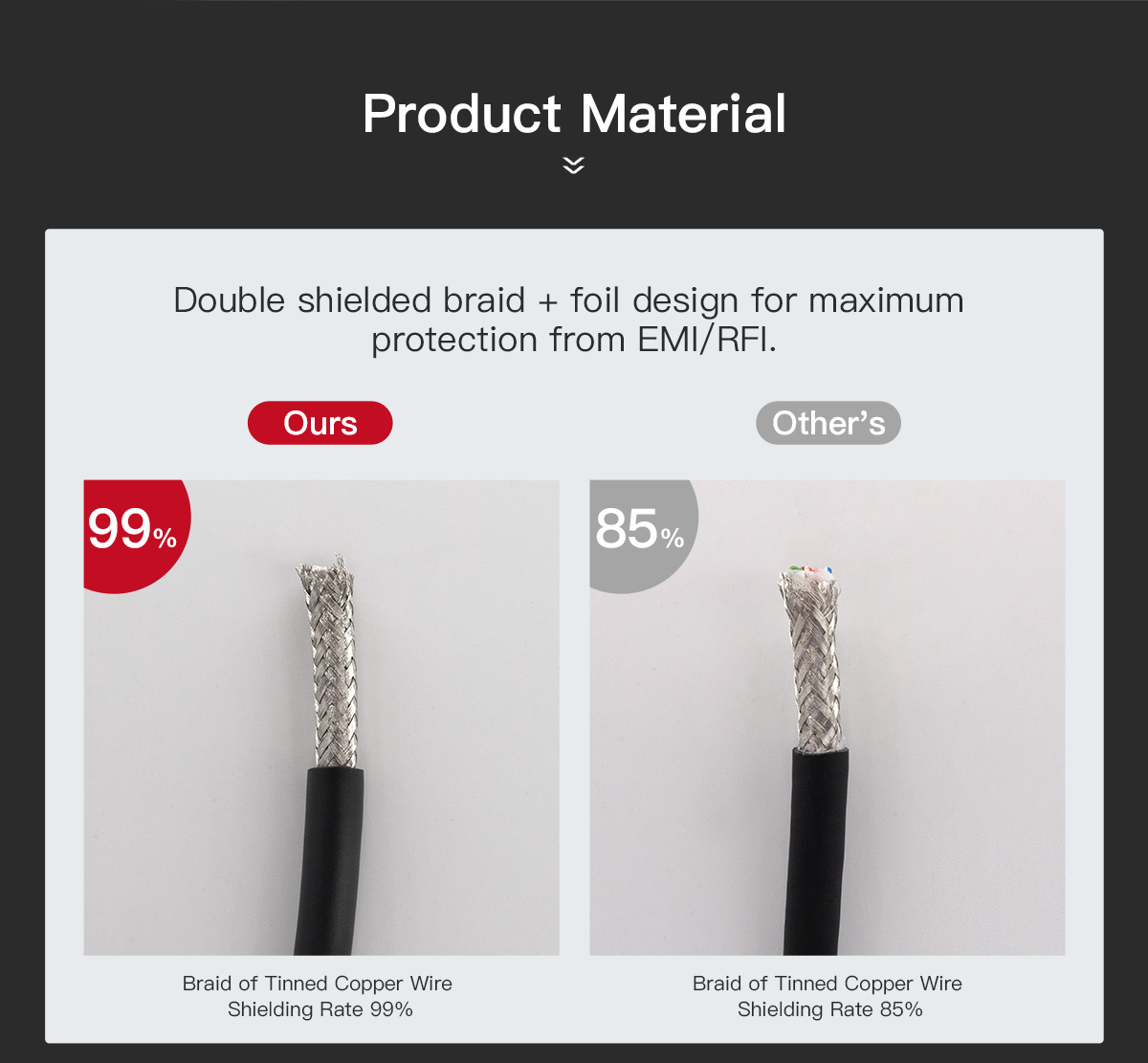

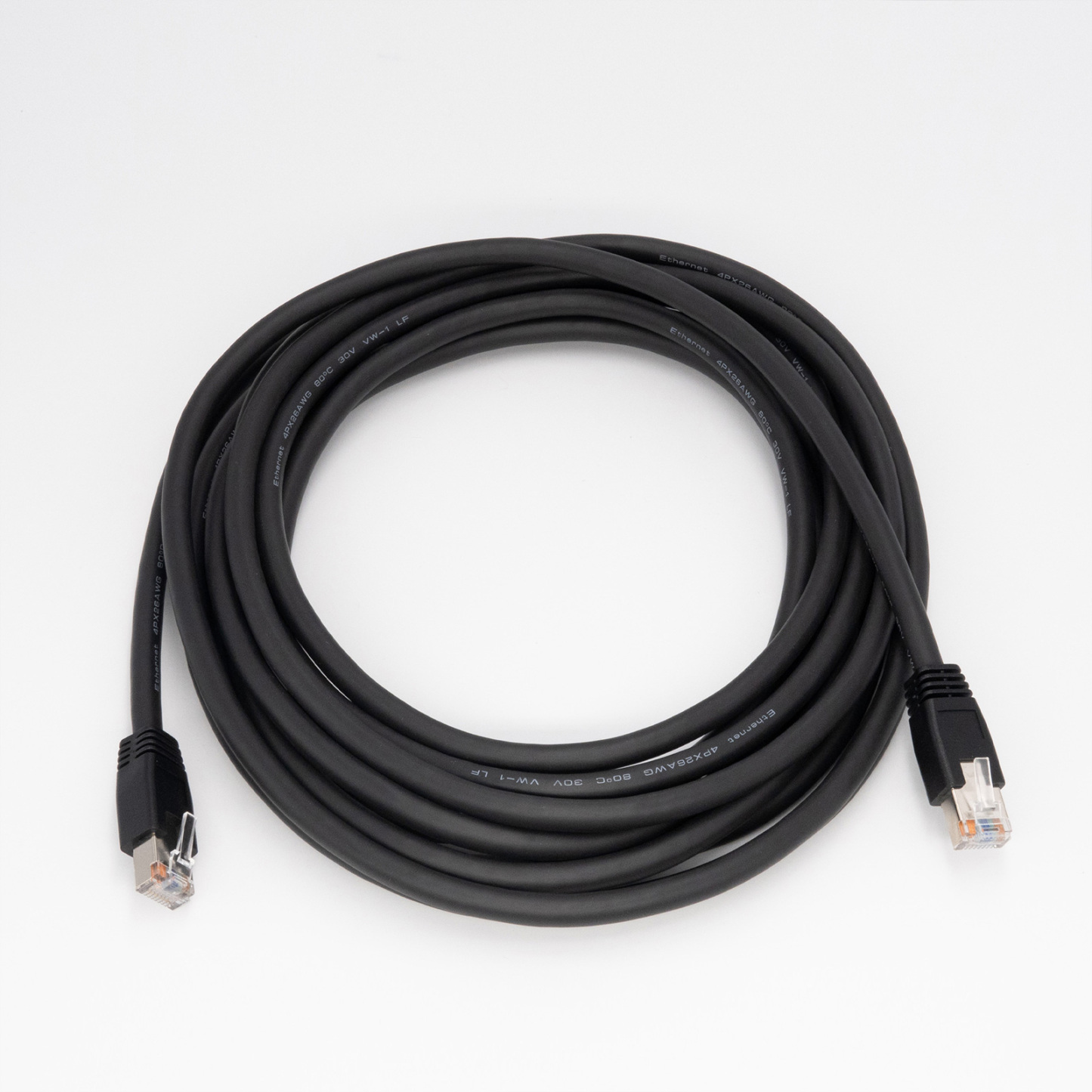
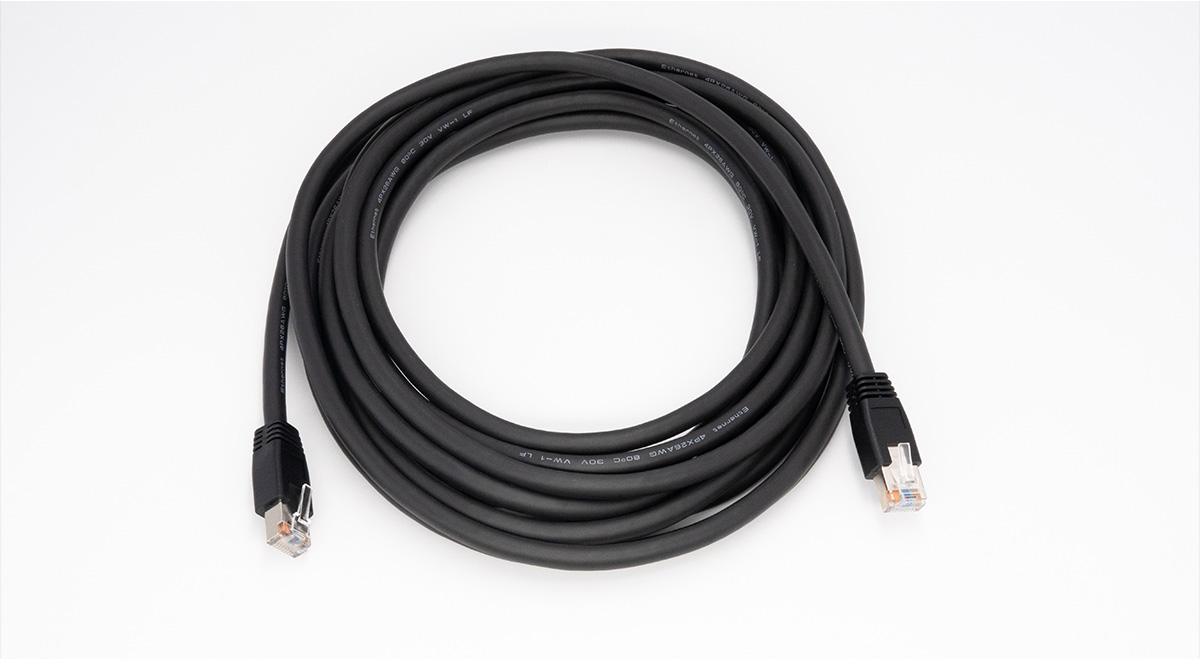
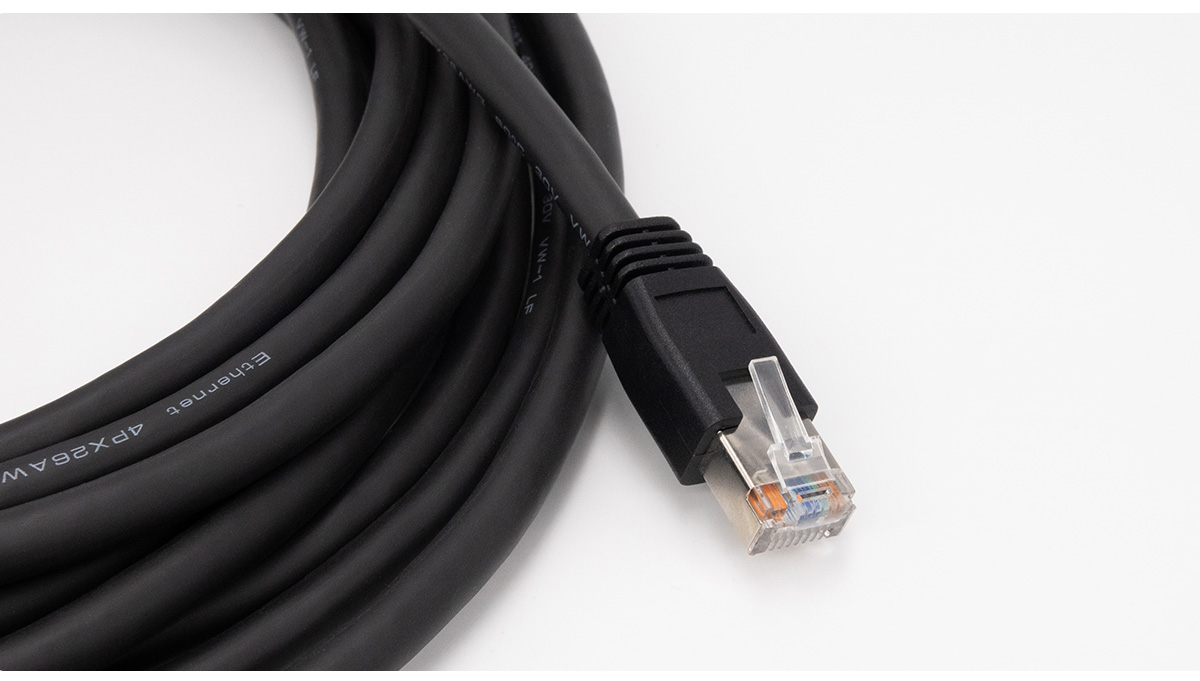
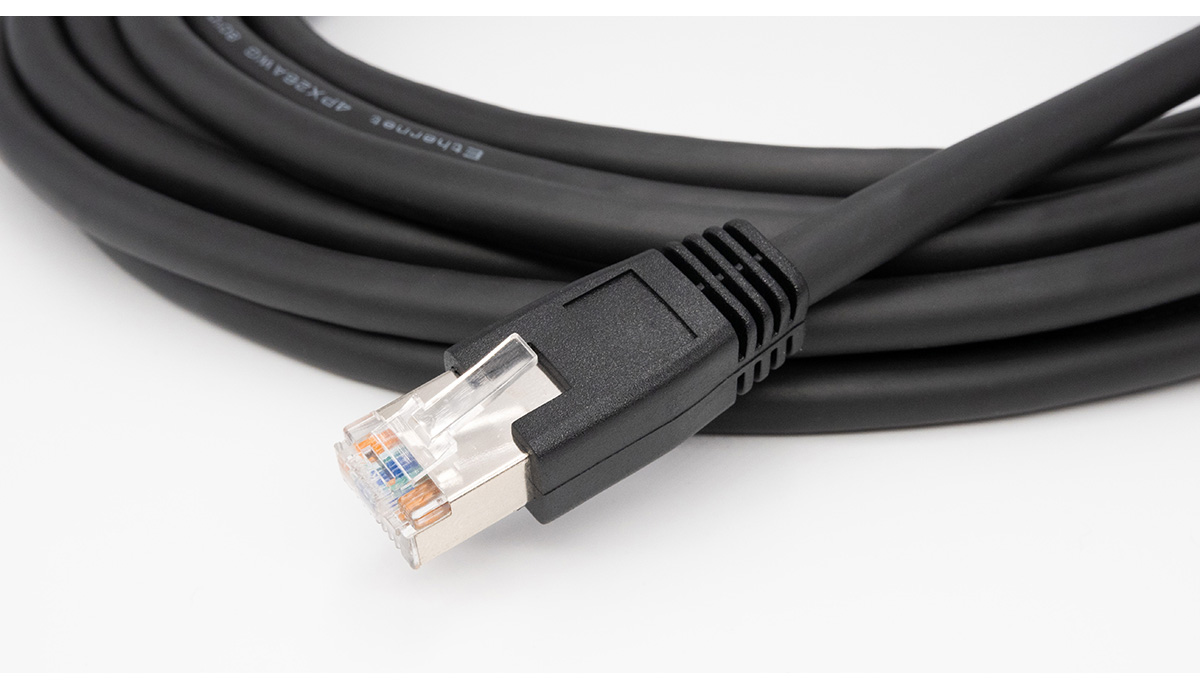
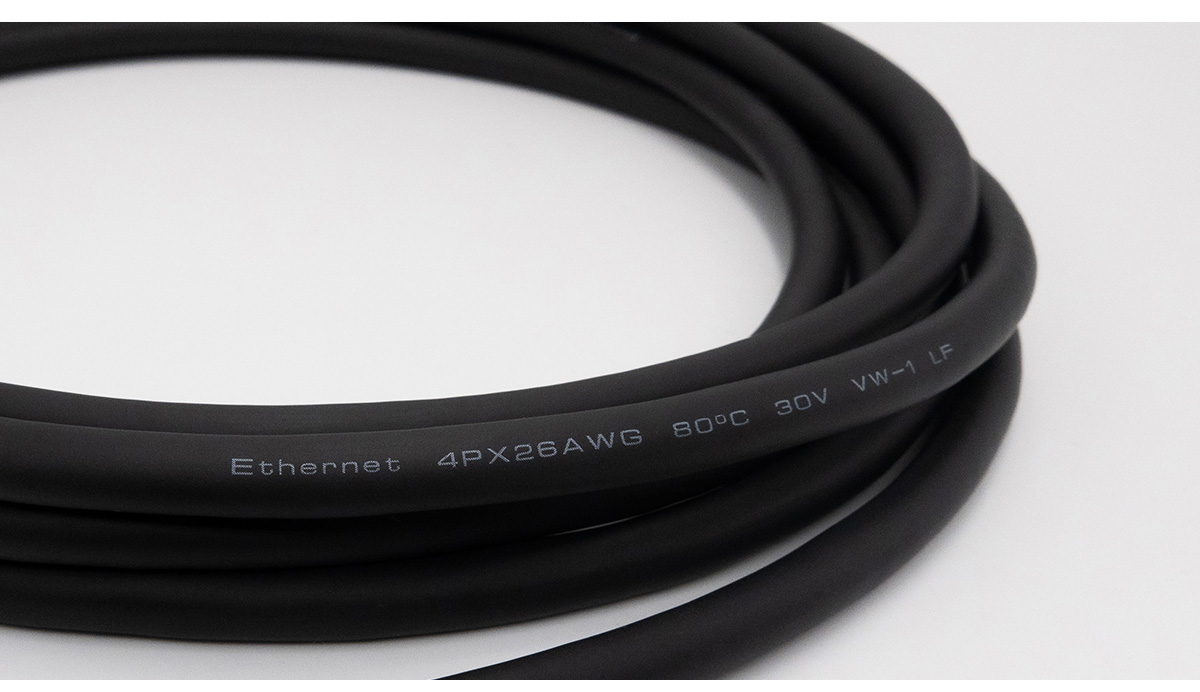
GigE Cable Photograph
FAQ of GigE Cable
1. What Connector Layout Does This GigE Cable Use?
The cable has two straight RJ45 8P8C connectors. One end includes two horizontal locking screws for compatible industrial cameras, while the other end connects to a standard RJ45 port on a computer, network card or Ethernet switch.
2. What Are the Horizontal Locking Screws on the GigE Cable For?
The locking screws secure the RJ45 connector to the camera and reduce the risk of disconnection caused by vibration or cable movement. The page lists M2.0 × 0.4 screw rods with a length of 4.75 mm. Confirm that the camera has matching horizontal threaded holes before ordering.
3. What Does “Straight” Mean in the GigE Cable Product Name?
“Straight” primarily describes the physical direction of the RJ45 connectors, distinguishing them from right-angle plugs. It should not be treated as the sole confirmation of straight-through pin mapping; the wiring diagram should be checked when pin assignment is critical.
4. Can This GigE Cable Connect a Camera Directly to a Computer Without a Network Switch?
Yes. A compatible GigE Vision camera can connect directly to a computer equipped with a Gigabit Ethernet port. The camera and network adapter must be configured on the same IP subnet, and separate camera power may still be required.
5. Can the GigE Cable Replace a Hardware Trigger or Camera I/O Cable?
No. This cable carries Ethernet image and control data. A physical trigger signal, digital I/O or separate power connection normally requires the camera’s dedicated I/O cable unless the camera documentation specifies another method.
6. How Can You Reduce Dropped Frames When Using This GigE Cable?
Use a dedicated Gigabit network port or adequately sized switch, avoid sharing the link with heavy network traffic, and secure the screw-locking camera connector. Match the camera’s packet-size settings to the network adapter and keep the cable away from high-current power wiring.